
Calendar
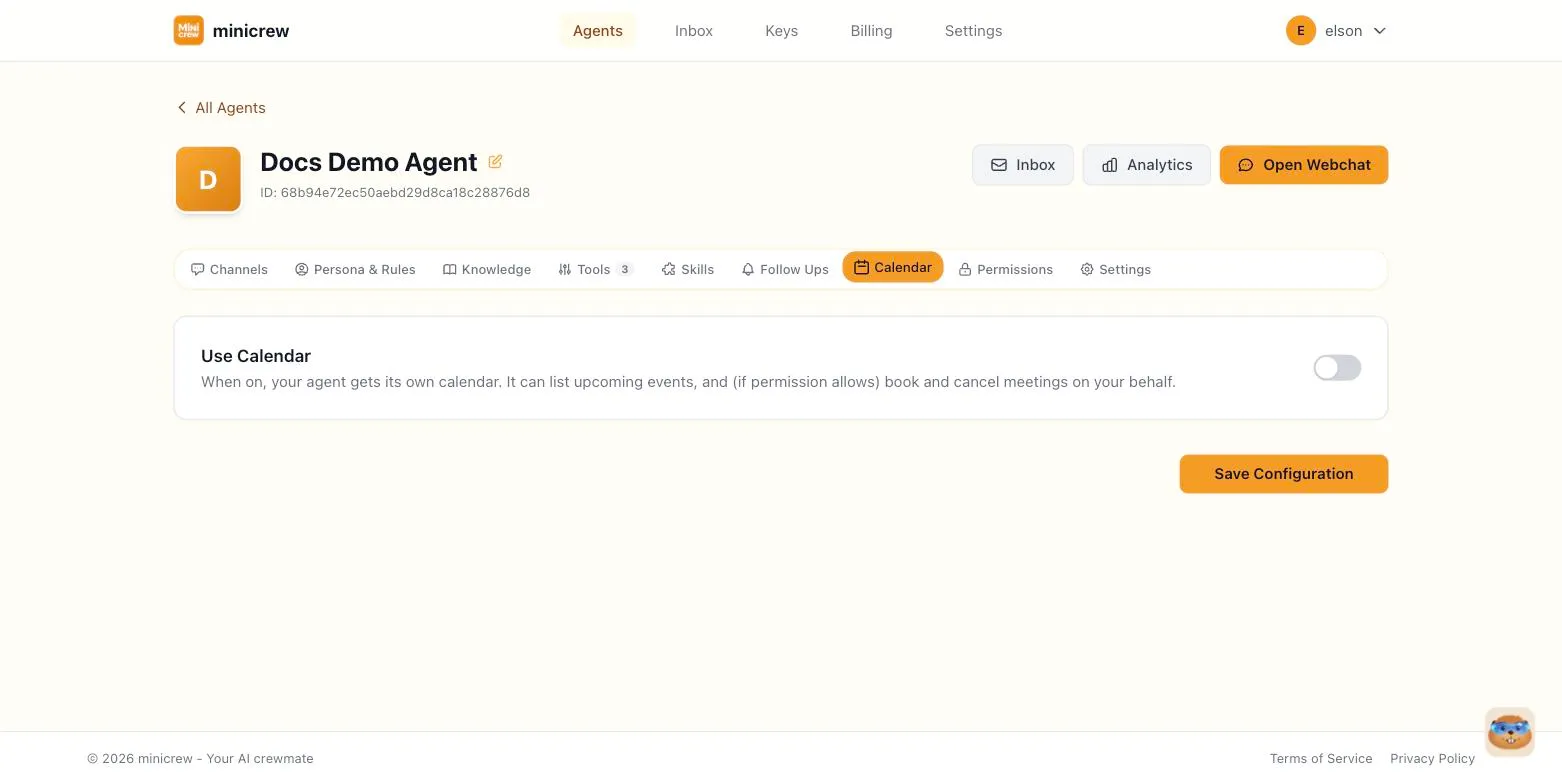
The Calendar tab (only shown if your plan includes calendar booking) gives your agent its own calendar so it can list upcoming events and, if you allow it, book and cancel meetings on your behalf.
Turning it on
Section titled “Turning it on”Flip Use Calendar on at the top of the tab. This is the master switch — everything else on the tab is hidden until it’s on.
Once on, the tab splits into five sub-tabs:
Calendar
Section titled “Calendar”A visual calendar grid of upcoming events and blocked time, shown in the agent’s timezone. You can view events here, and, depending on the permission level below, create or cancel them directly from the grid as well as through conversation.
Permissions
Section titled “Permissions”Controls what the agent’s calendar tool is allowed to do during a conversation:
- Read only — the agent can list events, but cannot book or cancel anything.
- Read + write — the agent can list events, book new ones, and cancel existing ones.
Blocked Time
Section titled “Blocked Time”Windows the agent should treat as unavailable and refuse to book over — lunch breaks, personal time, anything outside business hours.
- Give the block a label (e.g. “Lunch”).
- Set a start and end date/time.
- Choose whether it repeats: one-off, every week, or every month.
Holidays
Section titled “Holidays”Days the agent should treat as off entirely — public holidays, religious holidays, or company days off — so it won’t book meetings on them.
- Quick add by country — pick a country and Minicrew fills in this year’s and next year’s public holidays automatically. Re-click any time to refresh the list.
- Add your own — for anything specific to you: a company holiday, a personal day off, anything not covered by the country list.
Lets you see the agent’s bookings alongside your own personal calendar in Google Calendar, Apple Calendar, or Outlook, via a subscription link that keeps itself updated (typically refreshing within a day). There’s also a one-time download option if you’d rather have a static snapshot file to email or store. That one won’t auto-update, so download a fresh copy whenever you want the latest bookings.
Booking desk vs. personal calendar
Section titled “Booking desk vs. personal calendar”A booking or scheduling agent almost always needs Read + write, since the whole point is letting customers book without a human touching a calendar app. Blocked Time and Holidays matter most here too: nothing looks worse than a bot offering an appointment during a public holiday. A personal assistant, by contrast, often works fine with Read only, just listing your day back to you, with write access added only once you trust it to actually move things around on your behalf.